
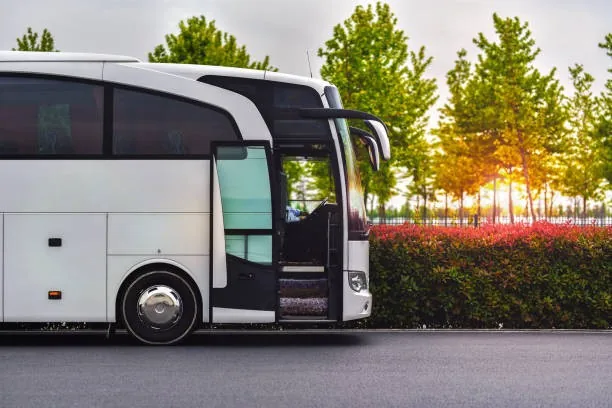
Every seat counts. Every ride, tracked.
Do you know how many people use your company’s transport service? Which routes are in highest demand? Who boards each vehicle?
With Flowlane, you can manage employee shuttles, register passengers using QR codes or NFC and monitor the occupancy of every route. All with the vehicles and operators you already have.
You pay for transport. But do you know who’s actually using it?
Many companies provide employee transport without having reliable data about how the service is used. Passengers wait at stops without knowing whether the bus has already passed. Some vehicles are full while others operate with plenty of empty seats.
Without a proper boarding record, understanding route demand and how the transport service is being used becomes difficult. Flowlane turns your transport service into something you can monitor and measure.
Your company’s transport service, right on your phone.
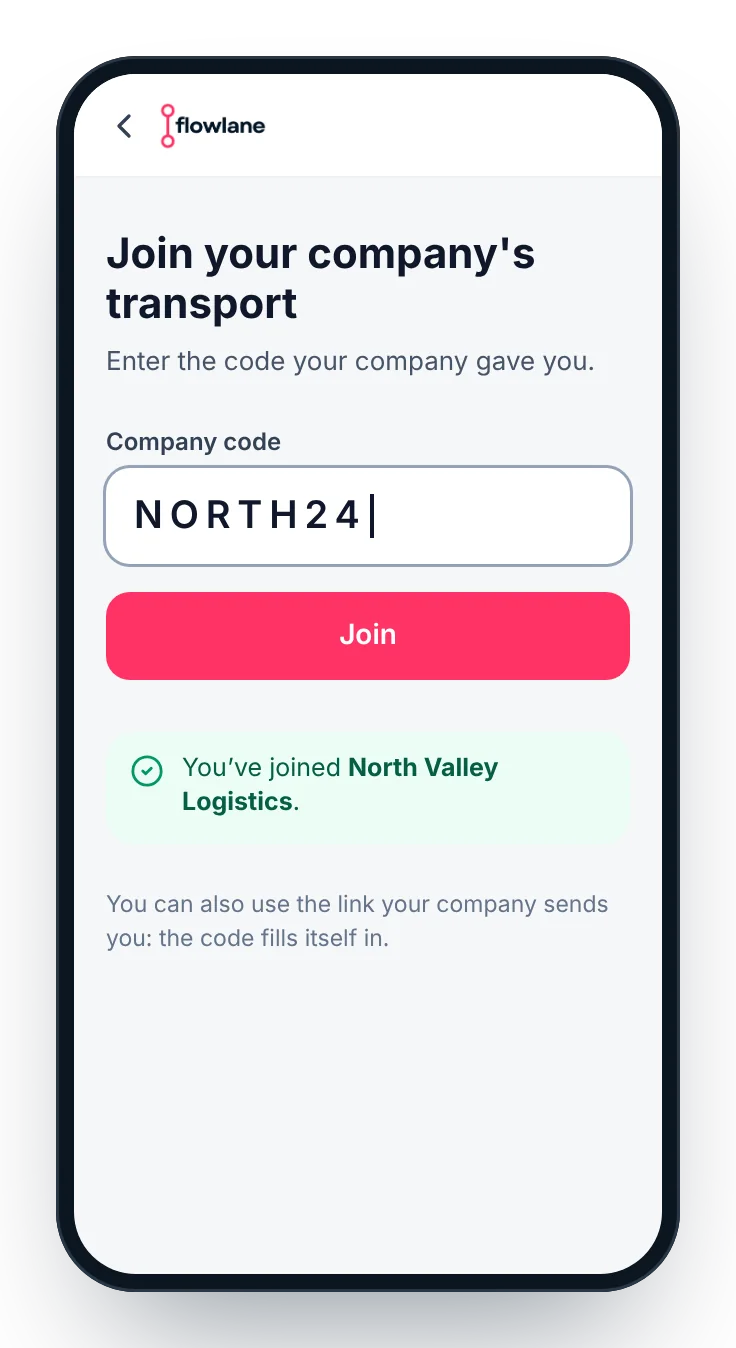
Passengers join the service using a company access code and manage their transport directly from their mobile browser.
Join the service
Enter your company’s access code and access the available routes.
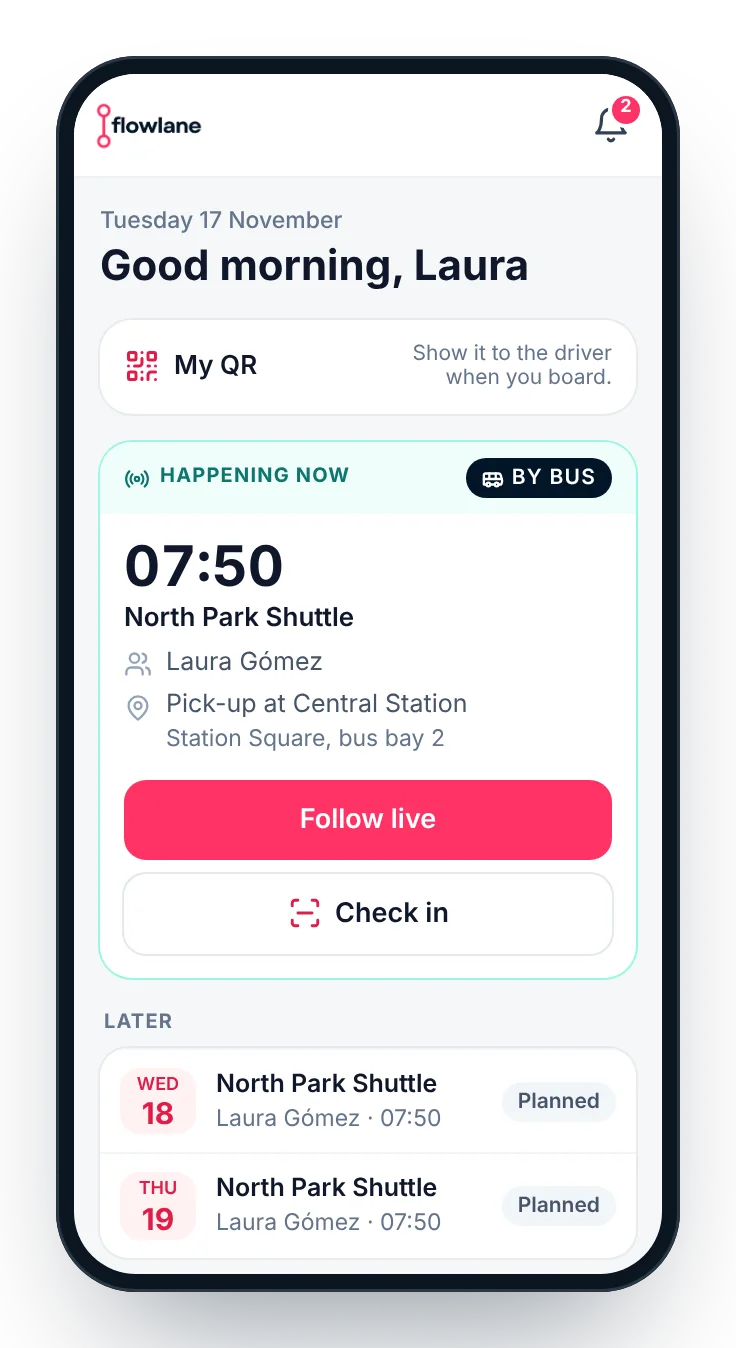
Reserve your seat
Browse company routes and reserve a seat when required.
Track the vehicle
Check the bus’s live location and receive notifications about departures and delays.
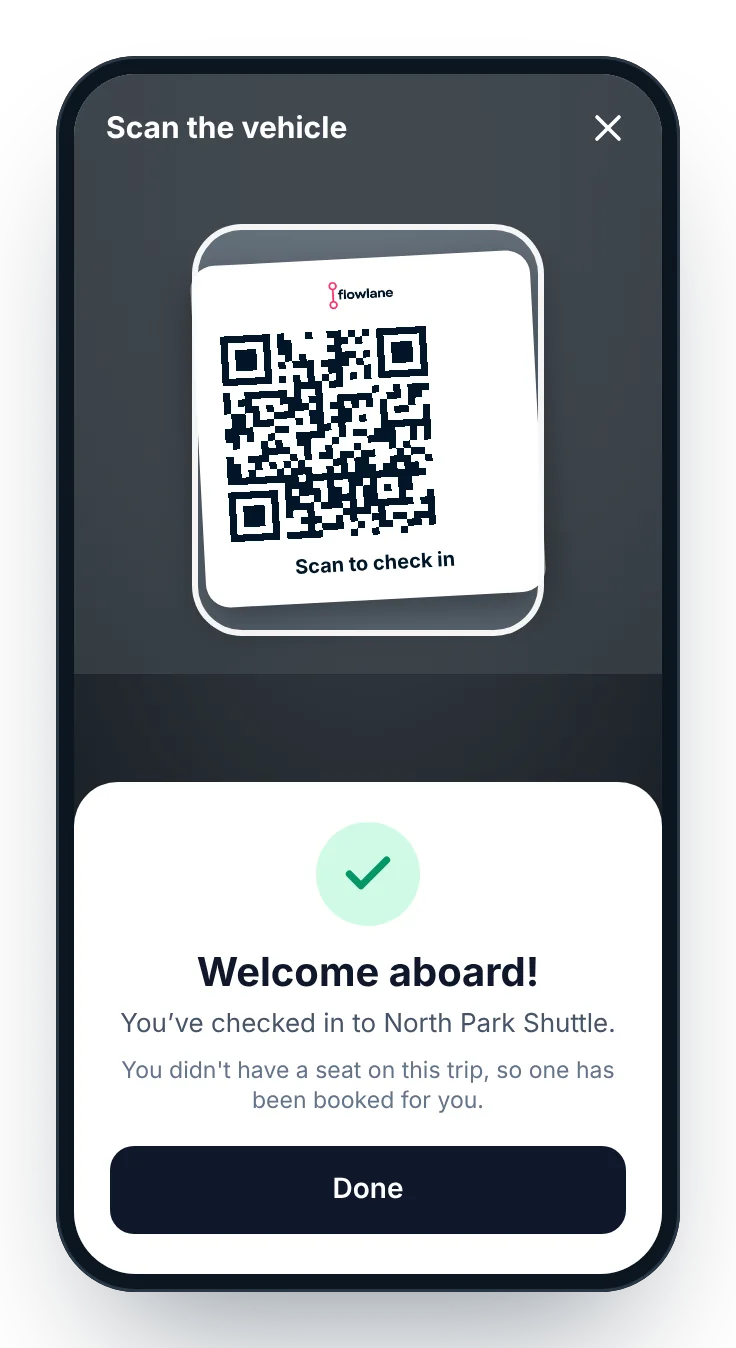
Check in with QR or NFC
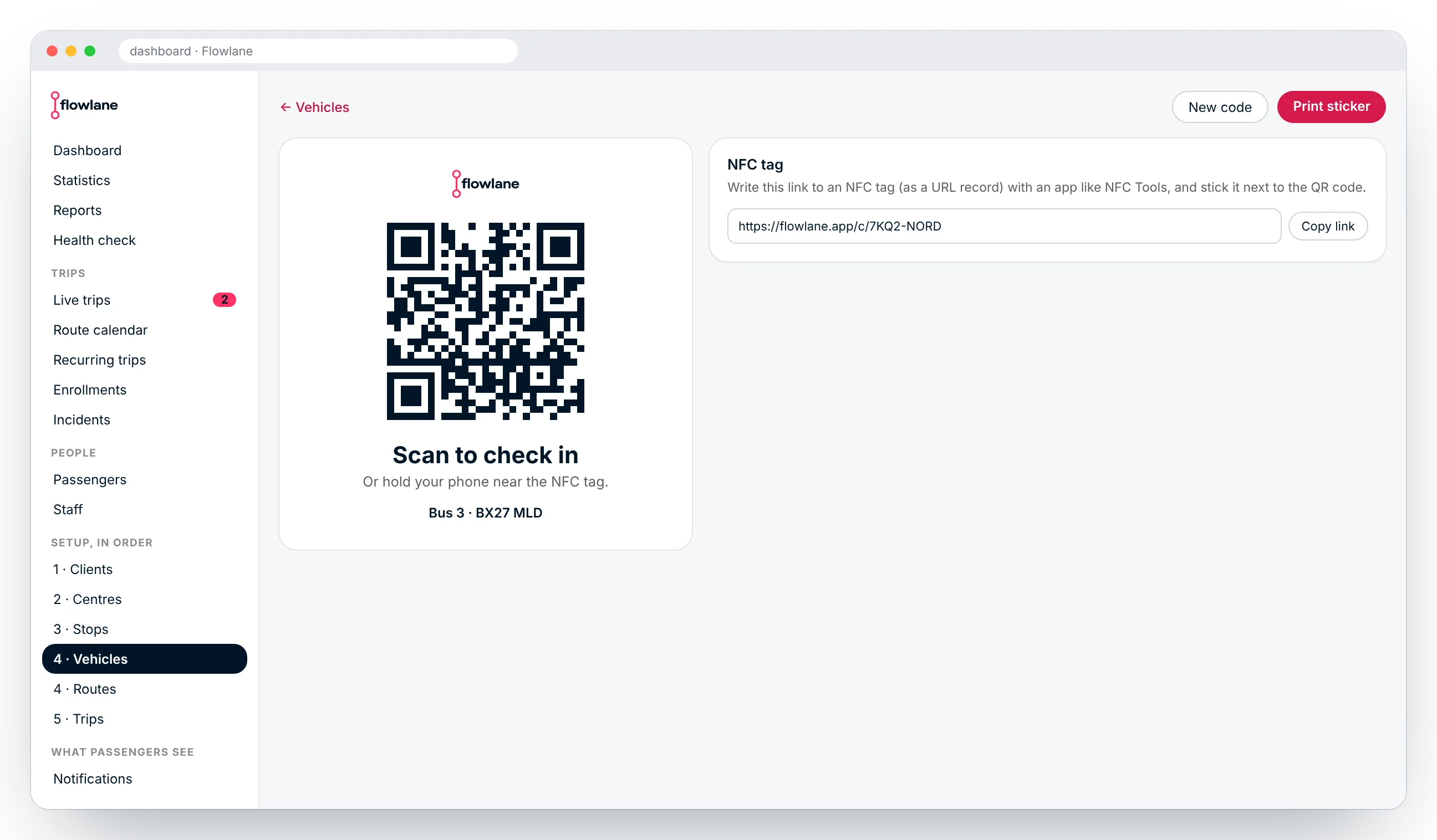
Scan the QR code attached to the vehicle using your phone’s camera, or bring your phone close to the NFC tag.
Your personal QR code
You can also show your personal QR code to the driver so they can register your boarding. If you don’t have a reservation and there are still seats available, checking in can reserve one for you at that moment.
Simple passenger check-in. No complicated vehicle installations.
Flowlane allows passenger boarding to be recorded using QR codes or NFC tags. Each vehicle can have its own check-in sticker, generated directly from the management dashboard. You can also generate a new code whenever necessary.
No special reader needs to be installed in the vehicle. Drivers can use their own phones. Your company decides how boarding should be registered:
- Passengers scan the QR code or use NFC.
- Drivers scan passengers’ personal QR codes.
- Both methods can be enabled.
A simpler way to manage every journey.
Drivers have access to a dedicated mode that guides them through the route, stop by stop. GPS detects when the vehicle reaches each stop, and the app makes passenger check-in easier.
If the company chooses this configuration, drivers can also scan passengers’ QR codes.
Know the actual occupancy of every route.
Manage your service and monitor its activity from the management dashboard.
Passenger access
Generate a company access code so employees can join the transport service.
Seat reservations
Choose whether each route requires advance reservations or allows passengers to board freely when seats are available.
Check-in configuration
Decide whether passengers, drivers or both are responsible for recording boarding.
Occupancy monitoring
See who boards each journey and how many seats are used on each route and day.
Vehicle management
Use the same system with your existing fleet and transport operators.
Other solutions.



Make every seat count.
Discover how to get real data about your company’s transport usage and manage employee shuttles with greater control.